Domain
AR-MR SaaS
Platform
Web Application
Timline
6 M
Focus
SaaS Redesign, Design Systems, & Responsive Scaling
Chapter 1: The Deep Dive (Understanding the Domain)

First 2 weeks
Mixed Reality (MR) is complex. My first challenge wasn't just "designing screens" it was understanding how users create 3D/interactive campaigns on a 2D screen.
I spent the first few weeks deconstructing the existing SaaS campaign creation tools. I mapped out the friction points where users (marketers, not 3D experts) struggled to build complex campaigns.
Chapter 2: Designing a New Feature – The Interactive MR Tool
Interactive MR campaign Generating tool design (Based on V1 Branding)
Why We Built This
While exploring the interactive ad space, we noticed a critical gap. Static 3D experiences were visually impressive but failed to retain attention. Brands wanted more than just a "wow" factor, they wanted participation. Users needed to click, choose, and shape what happened next. That is where Interactive Mixed Reality came in.
The "Aha" Moment
Our initial concept was a robust, timeline-based editor, similar to professional video software. However, user research revealed a simple truth:
Most marketing teams aren’t technical.
The highest-performing campaigns weren’t complex, they were simple narratives using just 3–5 video segments.
So, we pivoted.
The Key Design Decision
Instead of building a complex "Editor," we developed Smart Templates. We intentionally traded infinite flexibility for speed, clarity, and ease of use.
Designing Through Constraints
To ensure usability, we designed with smart guardrails:
The 3–5 Video Rule: We limited uploads to a maximum of 5 clips. This prevents overcomplicated logic loops and keeps stories fast and engaging.
Visual Spatial Anchors: Positioning buttons in 3D space is difficult. We replaced manual X/Y/Z coordinates with four visual zones: Top, Bottom, Left, and Right. Users simply pick a zone, and the element snaps into place.
How It Works (3 Simple Steps)
We transformed a complex workflow into a simple form:
Upload Videos: Add 3 to 5 short clips.
Add Choice Buttons: Upload thumbnails for each choice point.
Auto-Link Logic: The system handles the connections (Click = Play). No coding required.
The Impact:
What once took days of development now takes minutes. Brands can launch complex, branching video experiences instantly, without any technical complexity.
Chapter 3: Redesigning the Website
Immersive Website Design
The Goal: Showing, Not Just Telling Our old website was just a simple landing page. It didn't fully show who we are or what we do. We needed a new space that proved we belong in the world of Immersive Advertising. We wanted users to visit the site and feel curious, not just read text.
The Design: A WebGL & 3D Experience We introduced Flam's new branding through a completely new design.
Immersive Interactions: We used WebGL and 3D UI elements to make the page feel alive. As users scroll, the elements react, creating a sense of depth.
Light & Clean: We avoided dark, heavy vibes. Instead, we used a Light Theme that feels fresh and open, while keeping the high-tech 3D visuals front and center.
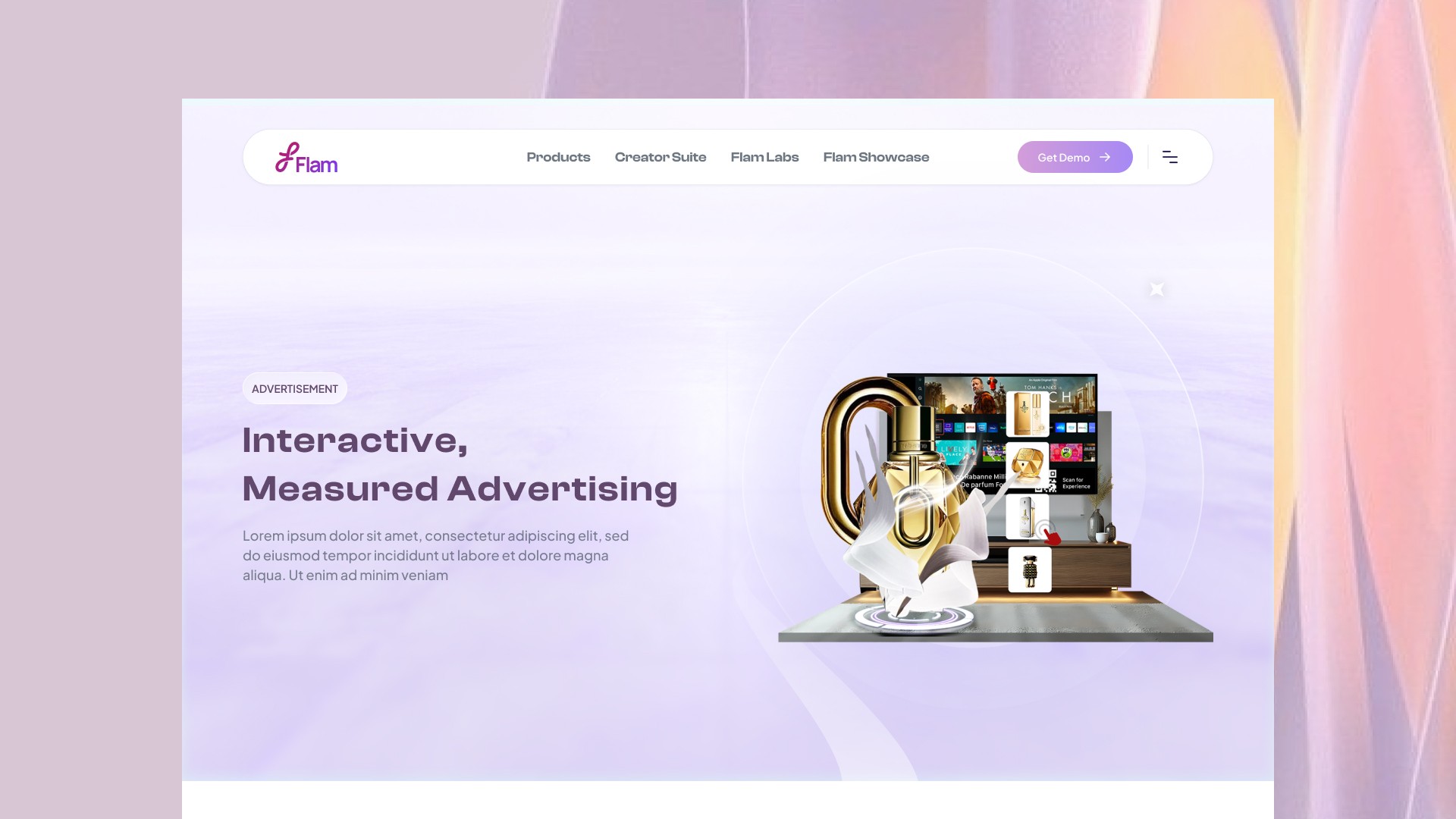
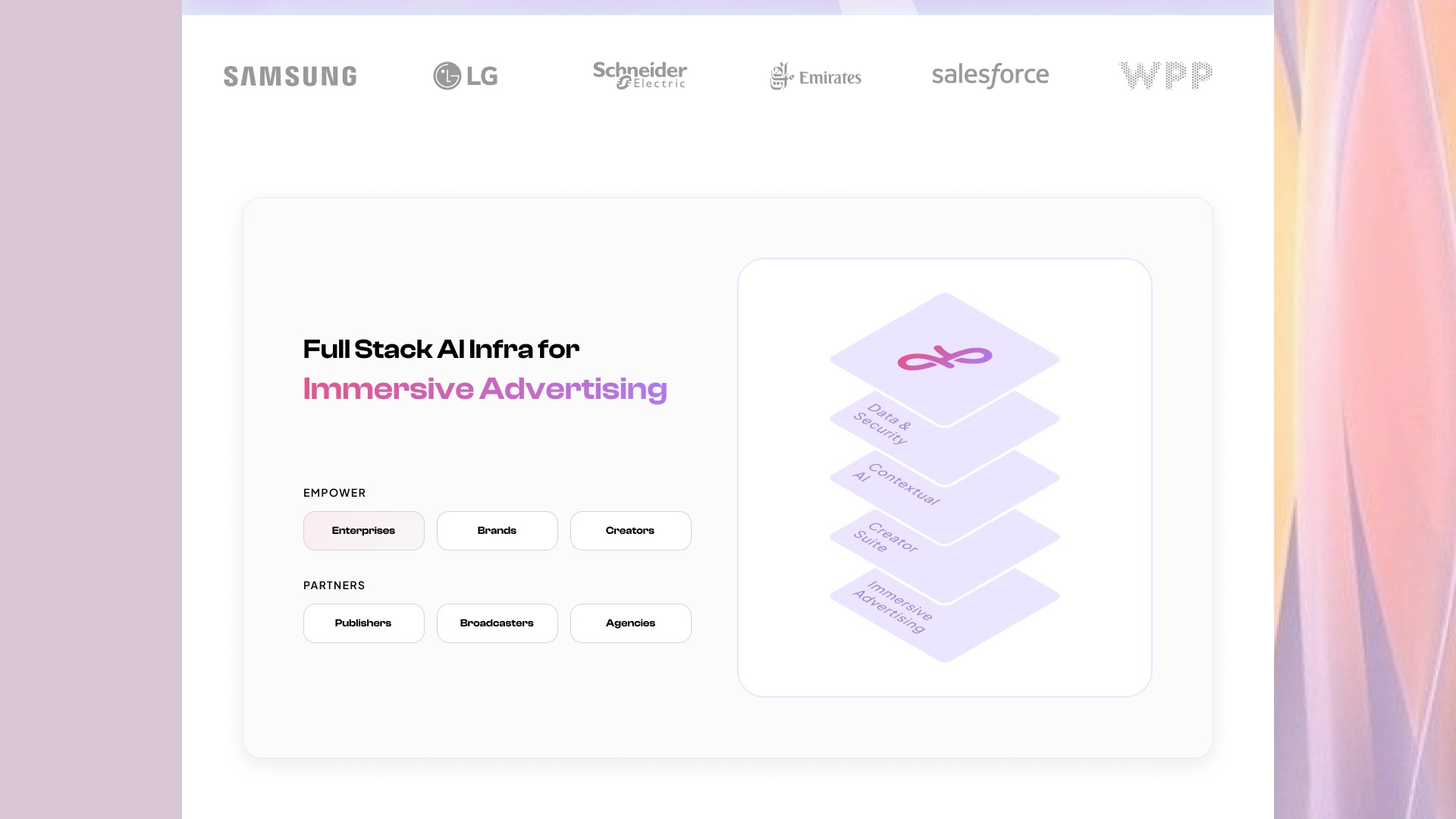
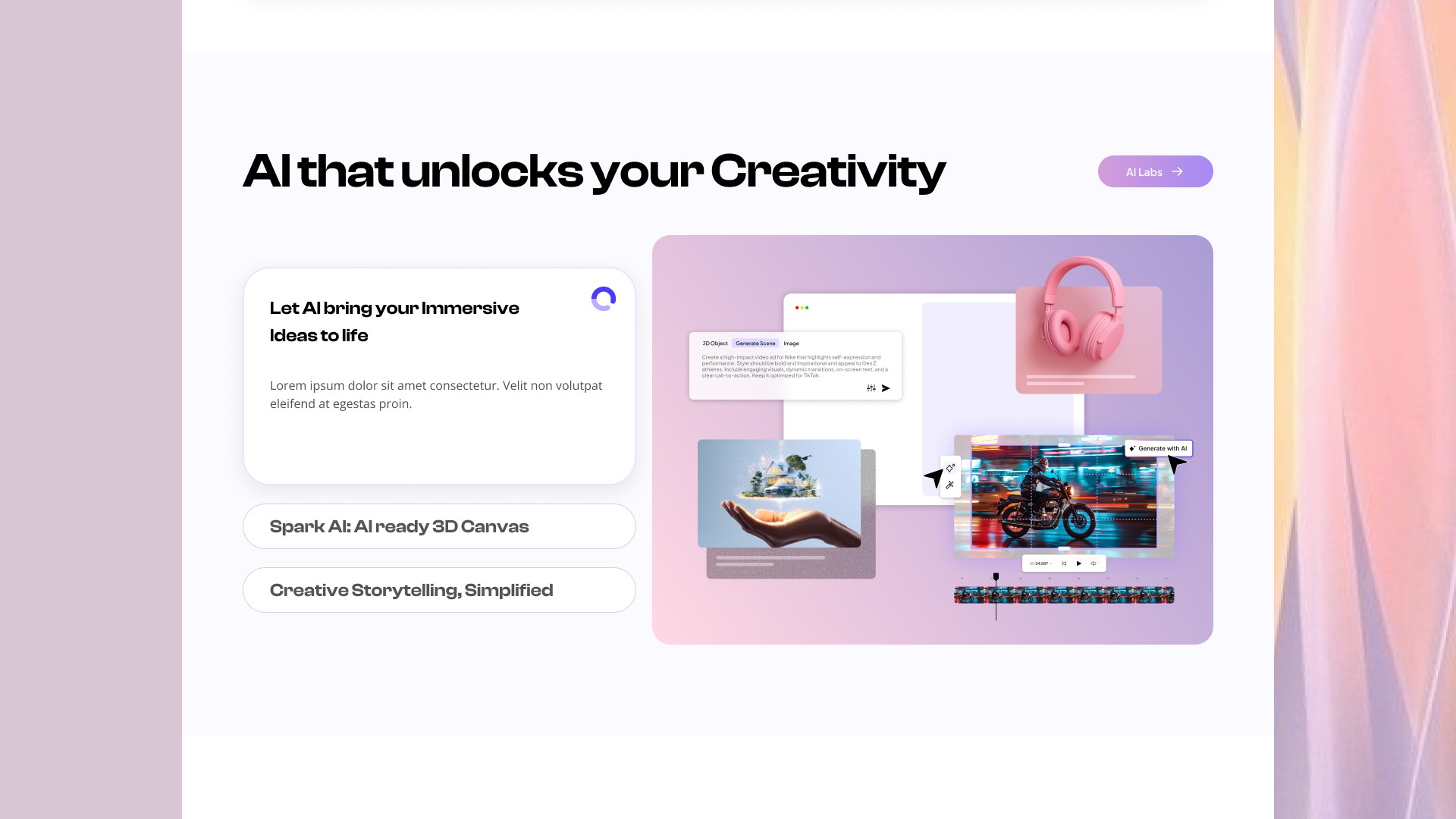
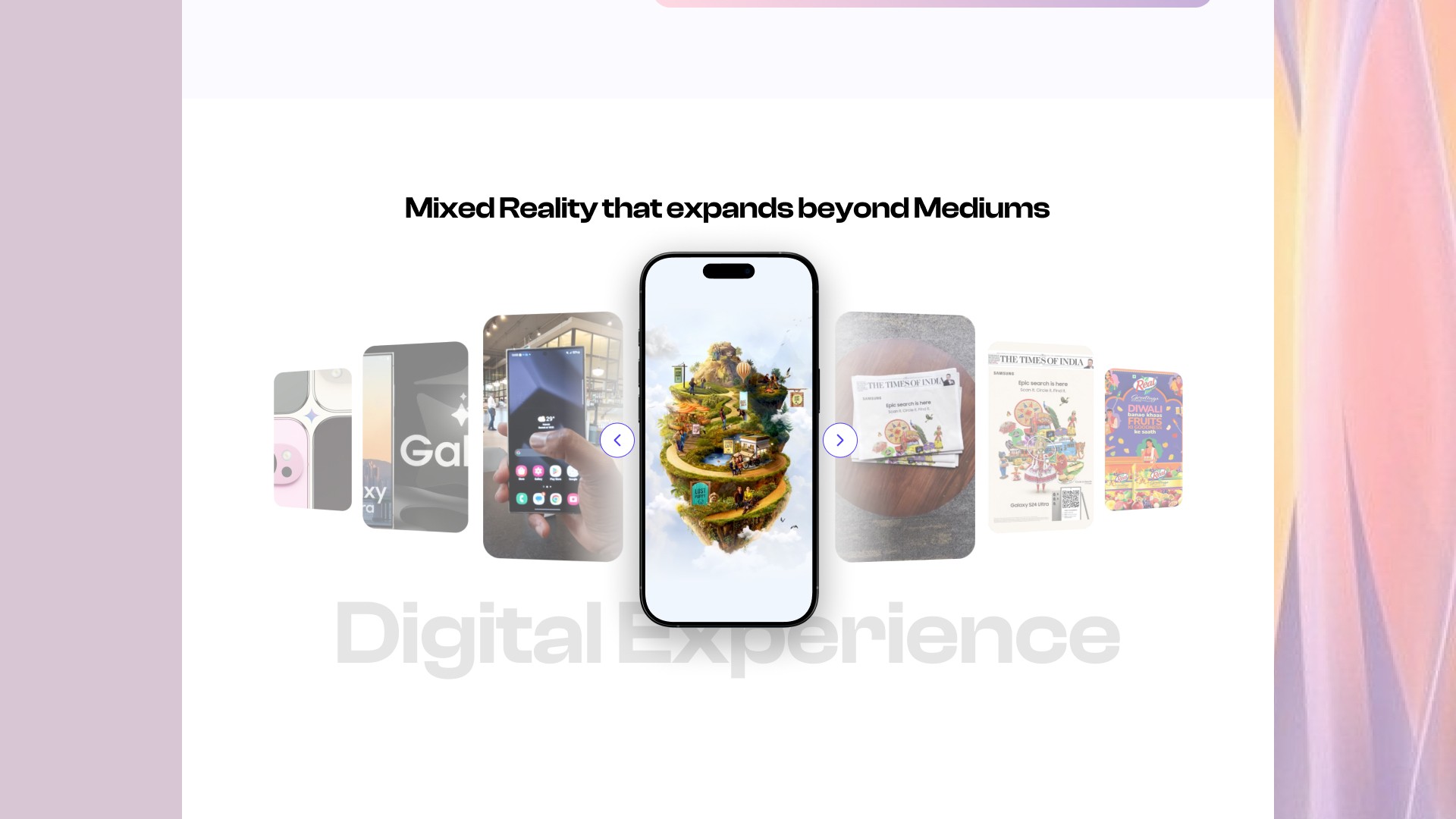
Website UI (Home Page)
The Result The website is no longer just a landing page; it is an experience. It introduces the new Flam brand and invites users to explore the future of mixed reality.
See It Live: https://flamapp.ai/
Chapter 4: Redesigning the Platform
Platform Redesign (V2 branding) - Home
Platform Redesign (V2 branding) : Creation tool
Platform Redesign (V2 branding) Campaign UI
Why We Redesigned Our SaaS platform was functional, but it had two big problems:
Old Branding: It still looked like the "Old Flam" (Green/Dark) and didn't match our new "Immersive" identity.
Usability Issues: Users found some workflows confusing and cluttered.
What We Improved We didn't just paint it new colors. We fixed the core experience.
Visual Update: We applied the new Light Theme and purple branding to make the dashboard feel clean and modern.
Better Usability: We simplified the navigation and decluttered the "Campaign Creation" screens so users could focus on their work without distractions.
Chapter 5: Building the Design System
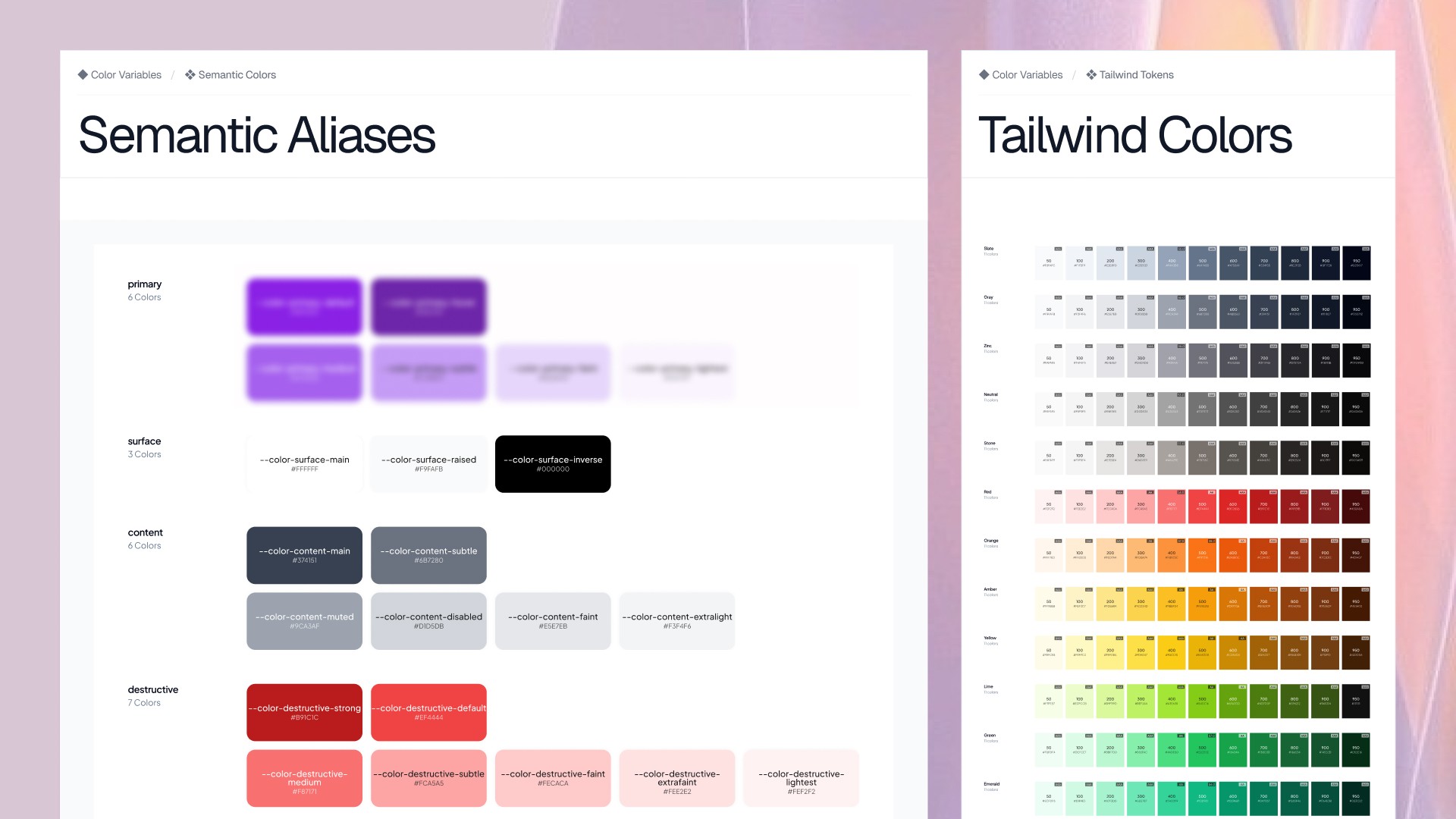
Designing color variables aligned with Branding v2 and translating them into semantic tokens.
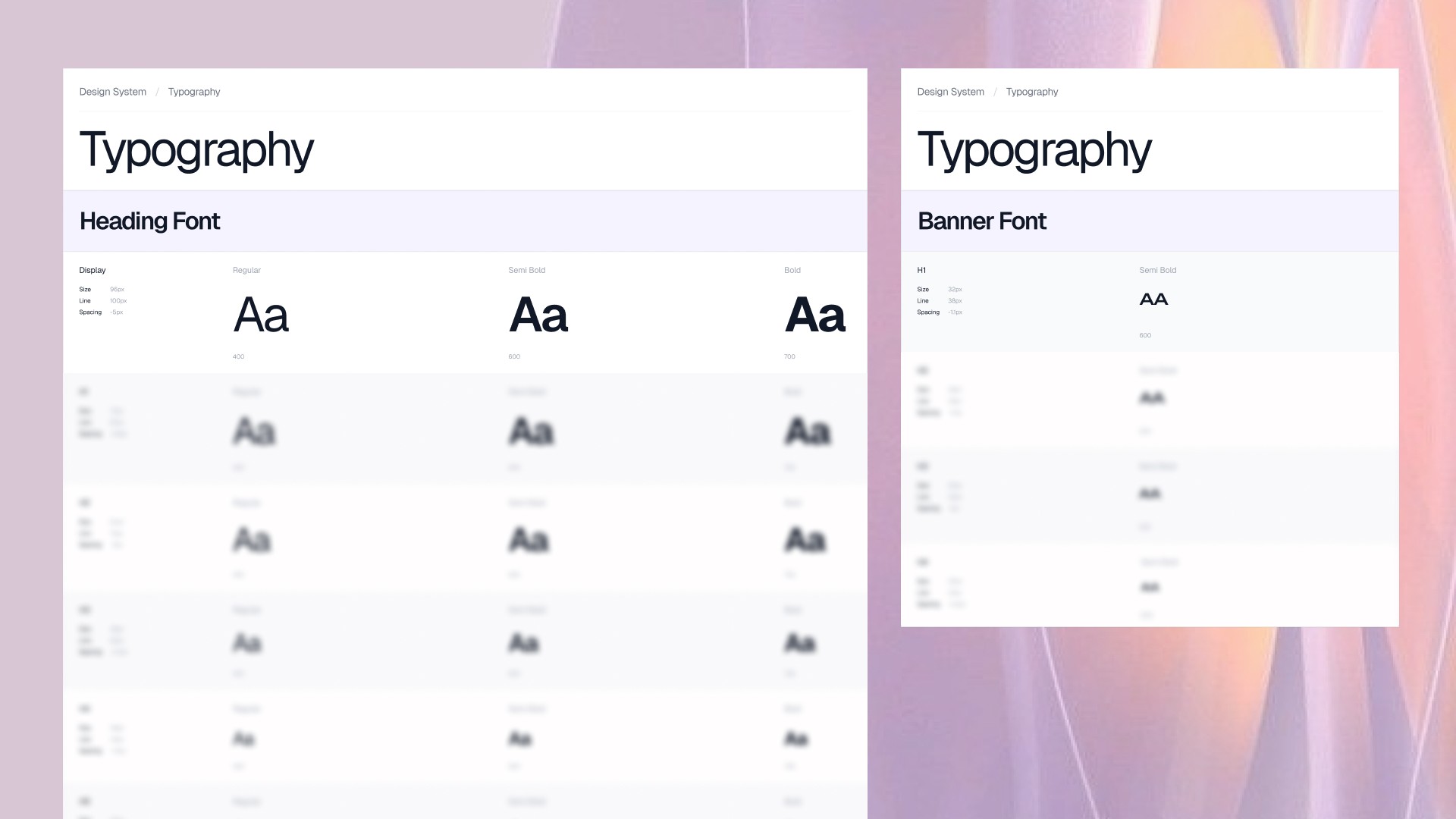
Defining new font families & typography style variables
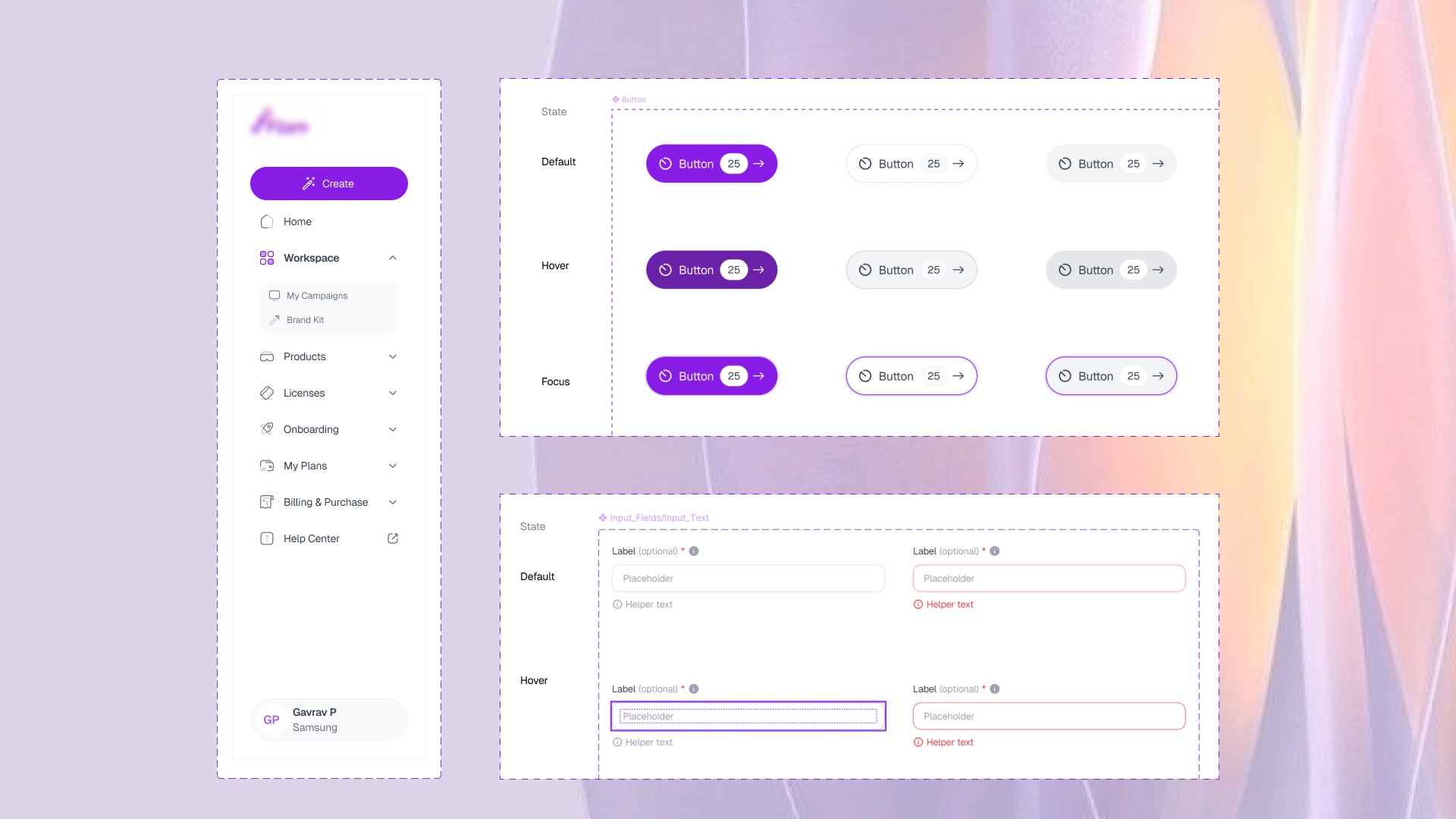
Designing components and their variantsg Componets and its Varients
The Challenge: Inconsistency As we redesigned, we realized we were building the same components over and over again. We needed a single source of truth to move faster.
Our Solution: A Unified System We built a scalable Design System to support the engineering team.
Standardization: We defined strict rules for buttons, inputs, and spacing.
Speed: By reusing these components, we stopped "designing from scratch" and started "assembling" screens. This made handoff to developers much quicker.
Chapter 6: Solving Responsiveness (Figma Modes)
The Problem: The "Big Screen" Gap Most design tools focus on standard laptops (1440px). But our data showed that our pro users (Designers & Marketers) were using massive 2K and 4K monitors (up to 2560px). On these big screens, our old design looked stretched and empty.
Solving responsive design using Figma Variable Modes
The Fix: Figma Variables & Modes We didn't just stretch the UI; we made it smart.
Using Figma Modes: We utilized Figma’s "Mode" feature to automatically switch layouts based on screen width.
Smart Scaling: We defined max-widths and fluid grids. Now, when a user opens the app on a huge monitor, the content stays readable, and the layout adjusts perfectly to fill the space without breaking.
Conclusion: Key Skills Developed
My internship at Flam strengthened my expertise in four core areas:
SaaS Platform Design: Deepened my understanding of building complex, tool-based applications.
Design Systems: Developed a strong command over Design Systems by taking full ownership of Flam’s library and components.
Advanced Responsiveness: Mastered scaling complex interfaces from standard laptops to large 4K monitors (2560px).
UI/UX Execution: Refined my visual and interaction skills by designing the end-to-end Campaign Creation tools.